An engineer may arrive with a required operating range. A purchasing manager may need supply and documentation information. A business leader may first need to understand whether the product fits a planned application. A good page gives each person a clear route without weakening the technical detail.
The task is not to simplify every specification into a slogan. It is to explain what a product does, where it may fit, what affects selection and what a buyer should do next. Keep the datasheet available, but give visitors enough context to decide whether it is the right datasheet to open.
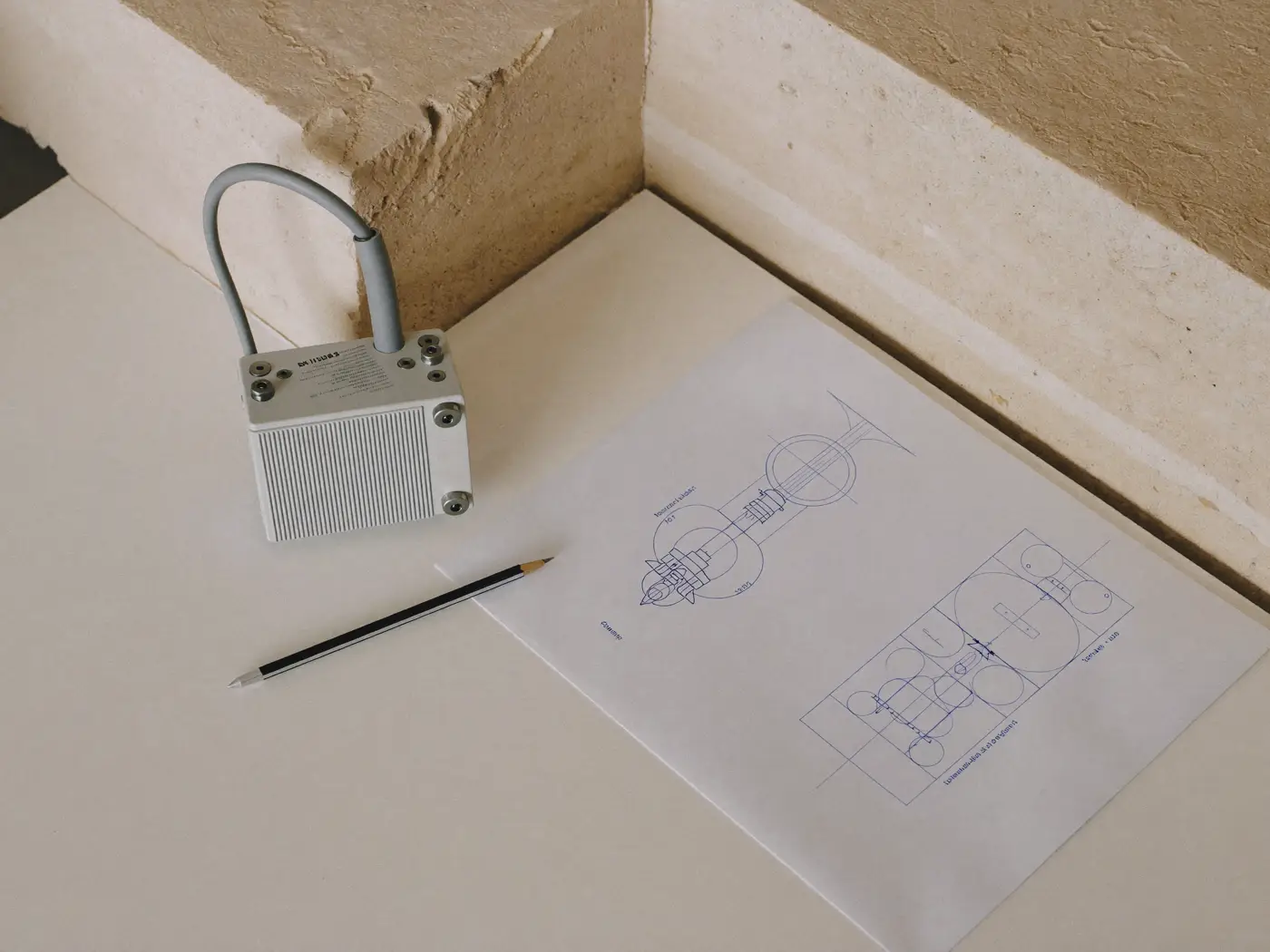
Conceptual image, not client work.
Begin with the selection decision
Choose one product family and ask an applications engineer to explain a real selection conversation. What does a buyer usually know at the start? Which missing details prevent a recommendation? What common assumption leads people toward an unsuitable option?
Use those answers to organise the page. A useful opening identifies the product family, its role and the kinds of applications it supports. The next section helps readers determine fit. Detailed specifications, drawings, documents and enquiry options follow in a predictable order.
Write the first paragraph for the shortlist
Instead of saying a component delivers “advanced innovation for demanding applications,” identify the function it performs and the decision that matters. For example: “This product family provides switching options for equipment designers. Selection depends on the electrical load, isolation requirements, operating environment and packaging constraints.” This is an illustrative structure, not a claim about any specific product.
The technical reviewer should then replace broad wording with accurate product-specific information. If a statement depends on a model, test condition or option, make that dependency visible. A family-level page should never imply every variant shares the highest specification available in the range.
Build a product page in layers
Understand the fit
Explain the application problem, the product’s function and the conditions that affect suitability. State meaningful limits and link to related alternatives where appropriate. Include a diagram or labelled image when it explains the component’s place in a system more clearly than another paragraph.
Compare the options
Use consistent units and field names across the family. Show which specifications are common and which vary. A comparison table should help a buyer eliminate unsuitable options; it does not need to reproduce every datasheet field. Keep authoritative technical documents one click away.
Prepare an enquiry
Ask for the information required for the next decision. That might include application, operating conditions, available space, expected quantity, geography or project stage. Explain why a field is requested. Let a buyer submit an early-stage enquiry when a specification is still unknown.
Translate a feature into a useful explanation
A disciplined writing chain keeps technical accuracy connected to buyer value:
- Technical fact: document the verified capability and conditions.
- Application: explain where and how the capability is used.
- Buyer consequence: describe the relevant operational decision.
- Evidence and limits: add a datasheet, test context or approved example.
- Engineering review: approve wording, units and limitations.
Consider an illustrative temperature rating. The number alone is a specification. The explanation tells readers under which stated conditions it applies. The application question asks about the actual operating environment. Selection evidence points to the relevant approved document or review process. The next action invites the buyer to confirm suitability rather than promising universal performance.
This method avoids two common problems: publishing a wall of data with no guidance, and replacing the data with unsupported benefit language. The writer and technical reviewer each have a clear role.
Give application pages a separate job
A product page explains a product family. An application page begins with a system problem and helps buyers understand which product categories may be relevant. Link between them in both directions.
For an electronics business, an application page might describe the measurement or switching challenge, important selection conditions and a route to appropriate product families. It should explain enough to orient the reader without presenting a conceptual illustration as an approved circuit or installation guide.
Planning a technical website? Explore how Quiamo approaches content and structure for electronics and hardware businesses.
Electronics and hardware marketingEstablish a review process that survives updates
Assign an owner to each type of statement. Product teams approve specifications. Applications teams review suitability explanations. Commercial teams confirm supply, geography and enquiry routing. Marketing maintains wording, navigation and consistency.
Record the source document and review date behind technical copy. When a product changes, the owner should be able to identify affected pages without searching the entire website manually. Keep retired documents out of prominent download paths while handling replacements and redirects deliberately.

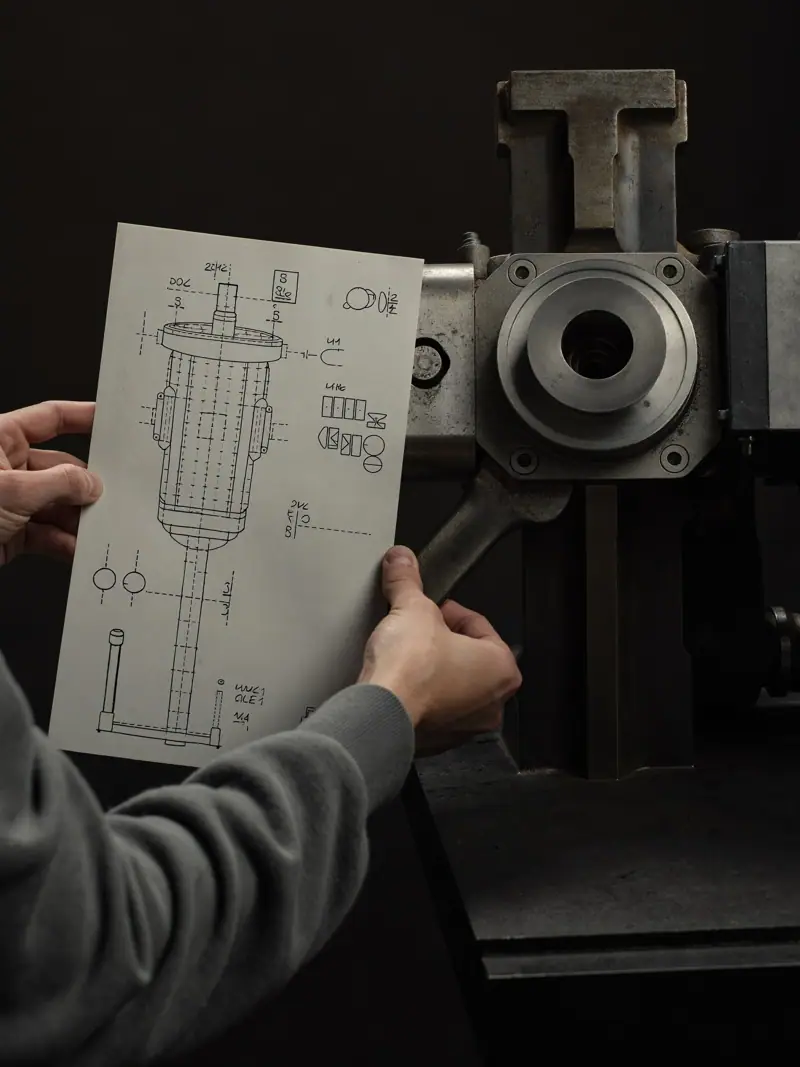
Conceptual image, not client work.
- Do all figures have units and necessary conditions?
- Are family-level claims valid for the products shown?
- Are application images illustrative or technically approved, and is that clear?
- Can visitors access current drawings and datasheets?
- Does the enquiry reach the correct team with page context attached?
- Can a mobile visitor read tables without losing field labels?
Measure whether the content helps the buying process
Watch the path from relevant landing pages to product comparisons, document use and completed enquiries. Pair those observations with sales feedback. Ask whether enquiries contain the details needed to respond and whether repeated misunderstandings decline.
Send a page and its current datasheet, and tell us where buyers get stuck.
Review one technical product pageQuestions technical teams often ask
Will clearer copy make the page less technical?
It should make technical information easier to find and interpret. Keep precise specifications, conditions and documents intact. Improve the surrounding explanation and reading order so visitors can reach the detail they need.
Should every product have a separate page?
Only when it has a distinct selection purpose and enough useful information. Closely related variants may work better within a clear family page. Decide based on buyer tasks, product differences and the ability to maintain accurate content.
Can AI draft technical descriptions?
It can help organise approved material, but a competent reviewer must check every technical statement and implication. Do not publish generated specifications, invented approvals or inferred compatibility. A documented source and review process matter more than the drafting tool.
Start with one product family
A pilot gives your team a reusable page structure, a review process and a realistic estimate of the remaining work. Choose a commercially important family with current documentation and an available technical reviewer. Use what you learn before expanding the approach across the portfolio.